Protect your family online. Block adult content, malware and gambling in every app — not just the browser — set daily time limits, and lock the settings with a PIN. All filtering runs on your phone: no account, no ads, no tracking.
Powerful, private protection that works in the background. Set it once and let it do the work.
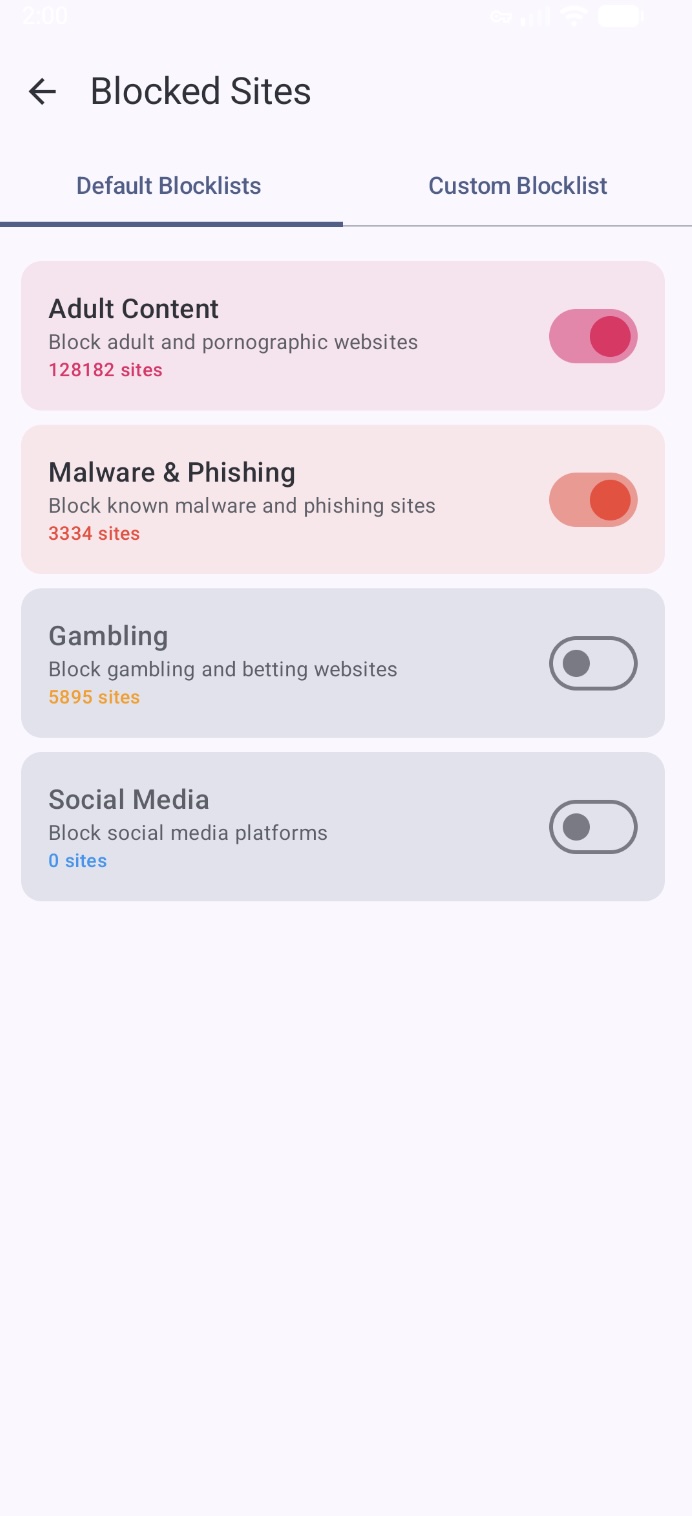
Block adult content, malware, phishing sites, gambling, and social media. Works across all apps, not just browsers.
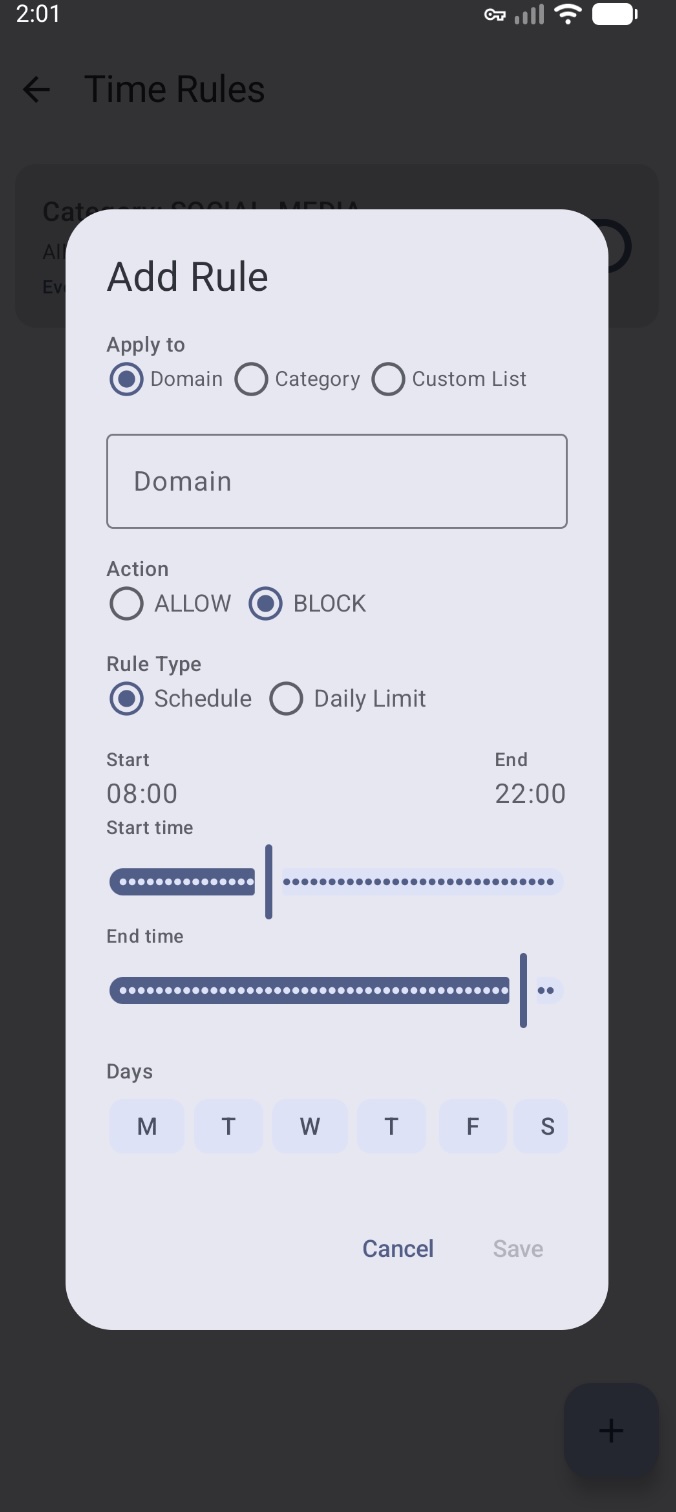
Set daily screen time limits and schedule blocking during homework, bedtime, or family hours.
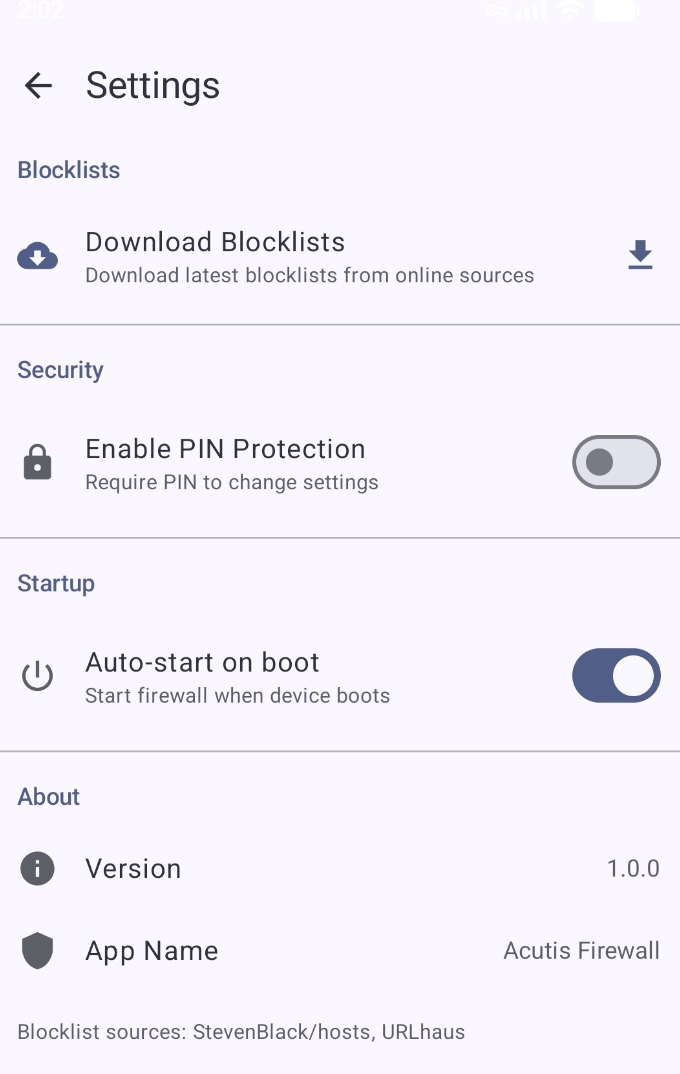
Secure settings with a PIN so children cannot disable protection or change configurations.
All filtering happens locally on your device. No data collection, no external servers, no tracking.
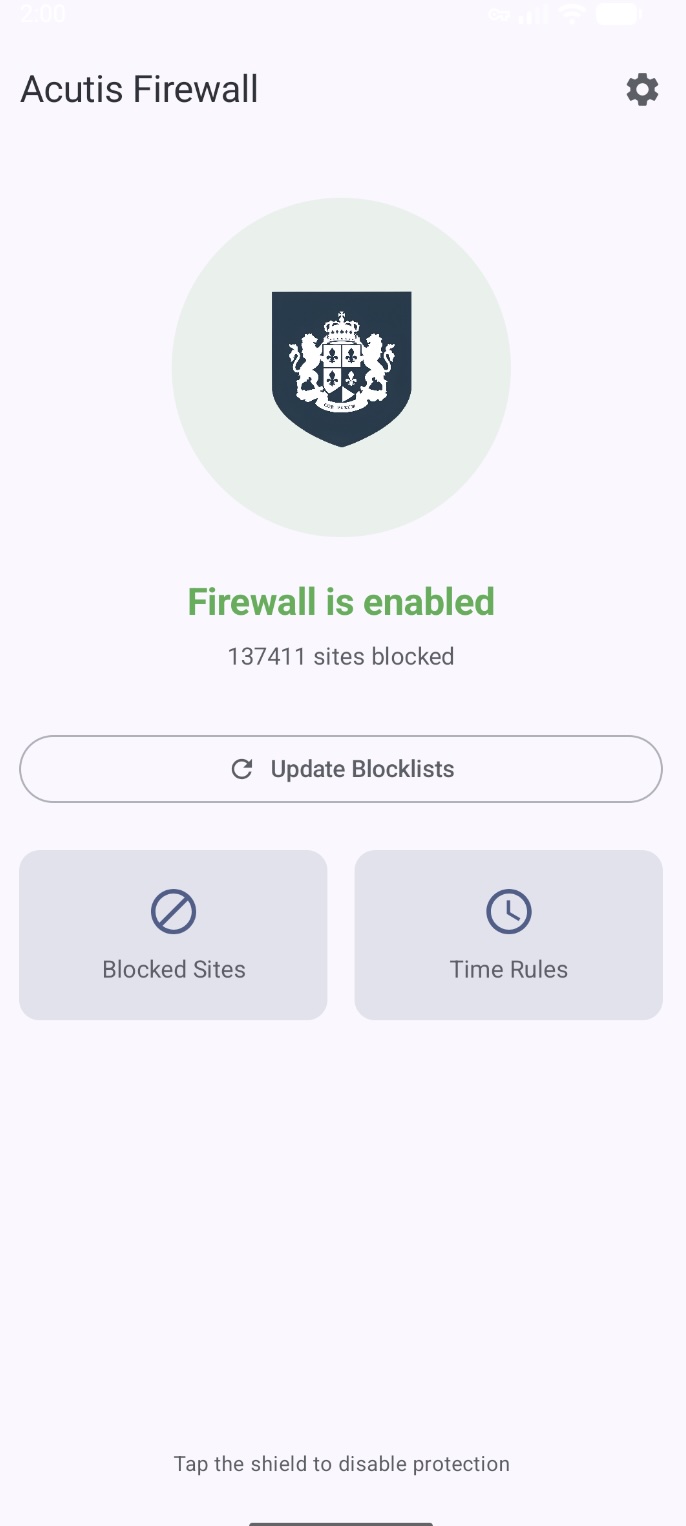
Filtering covers every app on the phone, not just the browser. One-tap activation, no configuration, auto-starts when the device boots.
No subscription, no ads, no in-app purchases. Full protection at no cost.
A clean, no-nonsense interface focused on what matters: keeping kids safe online.


Step-by-step guides for the questions parents actually ask.
Three ways to filter a child's phone, what each one misses, and how to set up a free on-device filter in five minutes.
Block the app and youtube.com, or allow them only at set times. No root, no Google account.
Why DNS filtering covers every app, how Private DNS providers differ from a local filter, and which one to use.
What Family Link does well, where it does not fit, and what an on-device filter does instead.
Unlike other parental control apps, Acutis Firewall never sends your data anywhere. Everything stays on your device.
What parents ask before installing it on a child's phone.
Yes. It is MIT-licensed open source with no ads, no subscription, no in-app purchases and no account. Donations are optional and pay for test devices, blocklist hosting and the work of keeping the app running on new Android releases.
No. It uses Android's standard VpnService API to filter DNS on the device itself, on Android 10 or higher. No root, no custom ROM, no computer.
Optional uninstall protection registers the app as a device admin, which blocks uninstall, force stop and clearing storage; turning it off needs the PIN. Android still lets a determined user deactivate a device admin in Settings, and the app alerts you when that happens. Device Owner mode is the only fully unremovable option. Details in uninstall protection.
No. Only DNS traffic to 8.8.8.8 and 8.8.4.4 is routed through the local tunnel; every other connection bypasses it entirely. There is no proxy and no remote server in the path.
No. There are no analytics and no developer server. DNS queries are answered on the device, and blocklists are downloaded from public GitHub and GitLab lists. Nothing about your child's browsing leaves the phone — see the privacy policy.
Acutis Firewall has no ads, no accounts and no paid tier. Donations pay for test devices, blocklist hosting and the time spent keeping the app working on new Android releases.
bc1q… addresses.Bitcoin mainnet only. Full donation instructions.
Install Acutis Firewall in under a minute. No account required, no credit card, no catch.
Download for Android